19
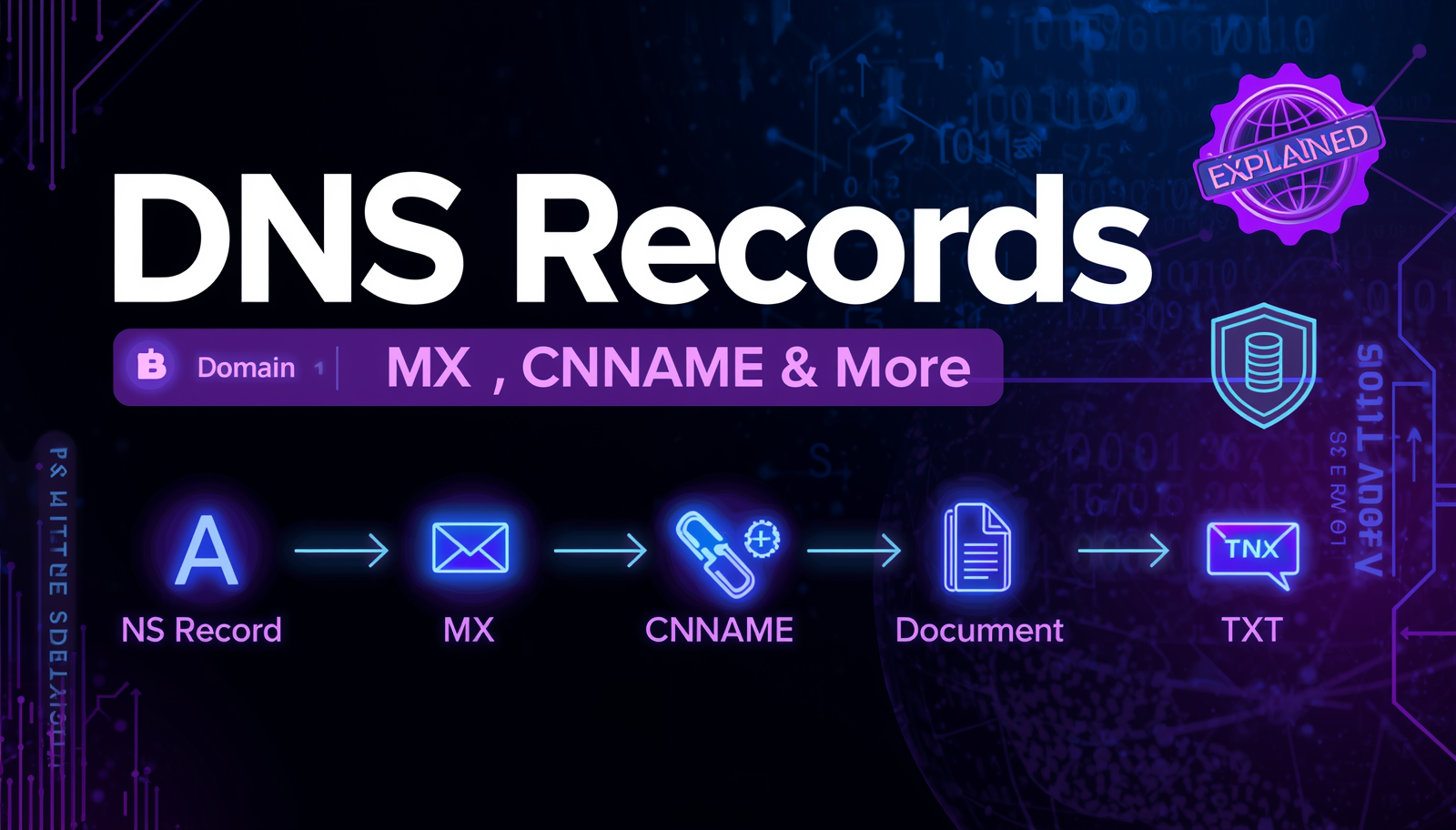
DNS Records Explained: A, MX, CNAME, TXT & More
What are DNS records and what do they do? This complete guide explains every DNS record type — A, AAAA, MX, CNAME, TXT, NS, SOA — in simple language with real examples.
DNS Records Explained: A, MX, CNAME, TXT & More
If you've ever set up a website, configured email, or tried to troubleshoot why something isn't working online — you've probably encountered DNS records. They can look confusing at first, but once you understand what each one does, they make perfect sense. This guide will walk you through every major DNS record type with clear, simple explanations and real-world examples.
📖 What Are DNS Records?
DNS records are instructions stored in DNS servers that tell the internet how to handle traffic for your domain. Think of them as a detailed directory listing for your website. Each record serves a specific purpose — some point to your website, others handle email, some verify your domain ownership, and others define aliases.
Real-Life Analogy:
Imagine your domain name is a business. DNS records are like your business's listing in a city directory — your address (A record), your phone number (MX for email), your nickname or branch location (CNAME), and your license verification (TXT). Each entry tells visitors (or internet systems) where to find or contact the right service.
📋 The Main Types of DNS Records
1. A Record (Address Record)
The most fundamental DNS record. It maps your domain name to an IPv4 address.
- Example:
alltoolpro.com → 104.21.43.55 - Purpose: Tells browsers which server IP to connect to when someone visits your domain
- When to use: Whenever you point a domain to a web server, VPS, or IP address
2. AAAA Record (Quad-A Record)
Same concept as an A record, but for IPv6 addresses (the newer, longer format).
- Example:
alltoolpro.com → 2606:4700:3033::ac43:c6c - Purpose: Supports IPv6-only networks and future-proofs your domain
3. CNAME Record (Canonical Name)
Creates an alias from one domain name to another. Instead of pointing to an IP, it points to another domain.
- Example:
www.alltoolpro.com → alltoolpro.com - Purpose: Used to make
wwwwork the same as the bare domain, or to point subdomains to services like email marketing platforms or CDNs - Important: You cannot use CNAME on the root/apex domain (use A record there instead)
4. MX Record (Mail Exchanger)
Specifies which email server handles incoming mail for your domain. Without proper MX records, emails sent to your domain won't be delivered.
- Example:
alltoolpro.com → mail.google.com (priority 10) - Purpose: Routes incoming emails to the correct mail server
- Priority: Lower number = higher priority. Having multiple MX records provides redundancy
5. TXT Record (Text Record)
Stores arbitrary text information associated with your domain. Most commonly used for verification and security purposes.
- Common uses:
- SPF — Specifies which servers can send email on your behalf (prevents spoofing)
- DKIM — Adds a digital signature to your outgoing emails
- DMARC — Email authentication policy
- Google/domain verification — Proves you own the domain
- Example:
v=spf1 include:_spf.google.com ~all
6. NS Record (Name Server)
Tells the internet which DNS servers are authoritative for your domain — i.e., which servers hold all the DNS records for your domain.
- Example:
ns1.cloudflare.com,ns2.cloudflare.com - Purpose: When someone queries your domain, NS records direct them to the correct DNS server that has all your other records
- Set by: Your domain registrar (GoDaddy, Namecheap, etc.)
7. SOA Record (Start of Authority)
Contains administrative information about the DNS zone. It's automatically managed and rarely edited manually.
- Includes: Primary nameserver, admin email, domain serial number, refresh/retry/expiry intervals
- Every DNS zone must have exactly one SOA record
8. PTR Record (Pointer Record)
The reverse of an A record. Maps an IP address back to a domain name. Used for reverse DNS lookups.
- Purpose: Email servers often check PTR records to verify the sender's legitimacy (reduces spam)
9. SRV Record (Service Record)
Specifies the location of specific services like VoIP, instant messaging, or gaming servers.
- Used by: Microsoft Teams, Skype for Business, SIP/VoIP systems
🛠️ How to Check DNS Records for Any Domain
Use the free DNS Lookup Tool on AllToolPro to instantly view all DNS records for any domain. Here's how:
- Visit https://alltoolpro.com/tool/dns-lookup
- Enter a domain name (e.g.,
gmail.com) - Click "Lookup"
- View all record types — A, AAAA, MX, CNAME, NS, TXT, SOA — in one place
- Use this to verify your setup, troubleshoot issues, or research competitors
🔗 Related Tools
- 📡 MX Lookup Tool — Specifically check MX records for email server configuration
- 🌐 WHOIS Lookup — Find who owns a domain and its NS records
- 🔒 SSL Checker — Verify your SSL certificate alongside DNS setup
❓ Frequently Asked Questions
Q1: How long does it take for DNS records to update?
DNS changes can take anywhere from a few minutes to 48 hours to propagate worldwide. This delay is due to caching at various DNS servers around the globe. The TTL (Time to Live) value on each record controls how long it's cached.
Q2: Can I have multiple A records for one domain?
Yes! Having multiple A records is called DNS round-robin and is used for load balancing — distributing traffic across multiple servers.
Q3: What happens if I delete my MX records?
If you delete your MX records, incoming emails for your domain will bounce back to the sender. Always verify MX records before making changes to them.
Q4: Why do I have multiple TXT records?
It's completely normal and expected. You might have one TXT record for SPF, another for DKIM, one for Google verification, one for Microsoft verification, etc. Multiple TXT records can coexist on the same domain.
Q5: What's the difference between CNAME and A record?
An A record points directly to an IP address. A CNAME points to another domain name (which then resolves to an IP). CNAMEs add a step but are useful for flexibility — if the underlying server IP changes, you only update one A record and all CNAMEs automatically follow.
🏁 Conclusion
DNS records are the invisible infrastructure that makes the internet work. Once you understand what each record type does, managing your domain becomes much less intimidating. Whether you're setting up email, connecting to a CDN, or verifying domain ownership — there's a specific DNS record that handles it.
Use the free DNS Lookup Tool on AllToolPro to inspect and verify any domain's DNS records instantly.