19
Free Ping Test Tool – How It Works Explained
Ever wondered what "ping" actually means? This beginner-friendly guide explains how ping tests work, what the results mean, and how to use a free ping test tool online.
Free Ping Test Tool – How It Works Explained
You've probably heard the word "ping" before — maybe in gaming ("my ping is 200ms!"), or when someone says "ping me a message." But in the networking world, ping has a very specific and important meaning. Understanding ping can help you diagnose internet problems, improve your browsing experience, and understand why lag happens in games or video calls.
This guide explains everything about ping — what it is, how it works, what the numbers mean, and how to run a ping test using a completely free online tool.
📡 What is Ping?
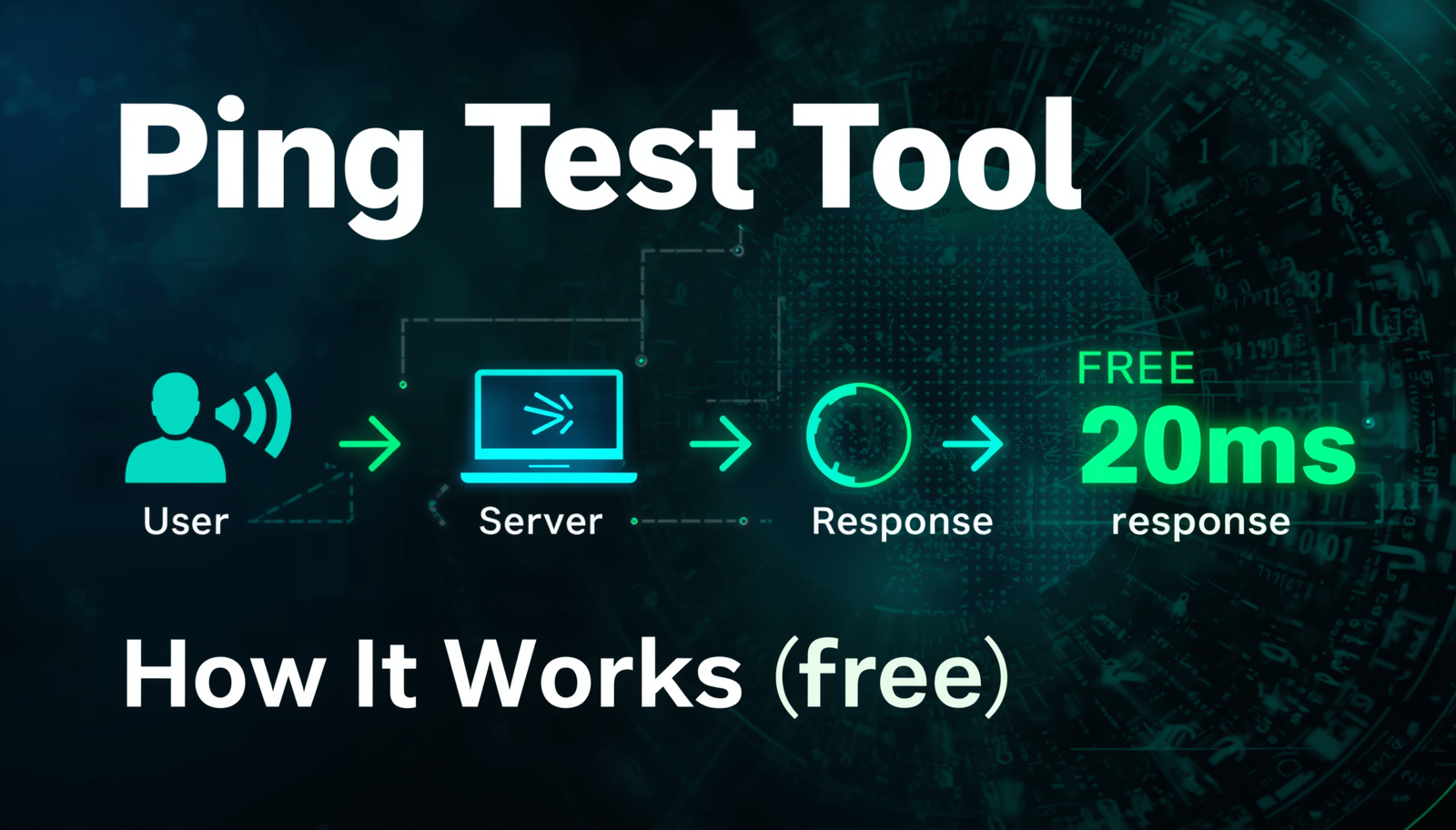
Ping is a network tool that measures how long it takes for a data packet to travel from your computer to a server and back. It's measured in milliseconds (ms). A lower ping means faster communication between you and the server.
Real-Life Analogy:
Imagine you're playing a game of catch. You throw a ball to your friend and wait for them to throw it back. The time from when you throw to when you catch it back is your "ping." If your friend is standing right next to you, the ball comes back instantly (low ping). If your friend is across a football field, it takes longer (high ping).
🔢 What Do Ping Numbers Mean?
Here's a quick reference for understanding ping values:
| Ping (ms) | Rating | Best For |
|---|---|---|
| 0 – 20 ms | 🟢 Excellent | Competitive gaming, video calls, live streaming |
| 20 – 50 ms | 🟢 Great | Gaming, HD video, VoIP calls |
| 50 – 100 ms | 🟡 Good | Regular browsing, casual gaming |
| 100 – 200 ms | 🟠 Fair | Basic browsing, some latency noticeable |
| 200+ ms | 🔴 Poor | Frustrating for gaming & video calls |
🔍 How Does Ping Actually Work?
When you run a ping test, here's what happens step by step:
- Your computer sends a small data packet called an ICMP Echo Request to the target server
- The target server receives the request and immediately sends back an ICMP Echo Reply
- Your computer records the total time for the round trip
- This measurement is displayed in milliseconds (ms)
- Usually, 4 packets are sent and the average is calculated
Apart from the ping time, you'll also notice:
- TTL (Time to Live) — How many "hops" the packet can make before being discarded
- Packet Loss % — If packets don't arrive back, this indicates network instability
🛠️ How to Use the Ping Test Tool on AllToolPro
You don't need to open Command Prompt or Terminal. The free Ping Test Tool at AllToolPro lets you ping any server from your browser. Here's how:
Step-by-Step Guide:
- Visit the Tool
Open https://alltoolpro.com/tool/ping-test in your browser - Enter a Domain or IP Address
Type the address you want to ping. Examples:google.com,8.8.8.8, or your own website's domain - Click "Run Ping Test"
The tool will send ping requests and collect the response times - Read Your Results
You'll see the response time in ms, number of packets sent/received, and packet loss percentage - Compare Against the Table Above
Use the ratings table to understand if your ping is excellent, good, or needs improvement
🎮 Why Ping Matters in Gaming
Gamers care deeply about ping because high latency causes lag — where your actions in the game happen with a delay. If you shoot at an enemy but your ping is 300ms, that action takes 0.3 seconds to register on the server. By then, the enemy may have moved. This is why pro gamers always aim for ping under 30ms.
Tips to Reduce Gaming Ping:
- Use a wired Ethernet connection instead of WiFi
- Connect to a game server geographically closest to you
- Close background apps that consume bandwidth
- Upgrade your internet plan
- Use a gaming VPN that optimizes routing
🔗 Related Tools You'll Find Useful
- 🌐 Website Status Checker — Check if a website is online or offline globally
- 📍 IP Lookup Tool — Find the location and details of any IP address
- 🔍 DNS Lookup Tool — Check DNS records for any domain
❓ Frequently Asked Questions
Q1: What is a good ping for internet browsing?
For normal web browsing, anything under 100ms feels perfectly fine. Websites load quickly and there's no noticeable delay. You only really feel high ping when doing real-time activities like gaming or video calls.
Q2: Why is my ping suddenly high?
Sudden high ping can be caused by: network congestion during peak hours, a problem with your ISP, someone else on your WiFi using lots of bandwidth, or the server you're connecting to being under heavy load.
Q3: Can I ping a website from my phone?
Yes! The AllToolPro Ping Test Tool works perfectly on mobile browsers. Just open the site on your phone and run the test. No app required.
Q4: What does 100% packet loss mean?
100% packet loss means none of your ping packets came back. This could mean: the target server is completely down, a firewall is blocking ping requests, or there's a severe network issue between you and the server.
Q5: Is ping the same as internet speed?
No! Ping measures latency (response time), while internet speed measures bandwidth (how much data can be transferred). You can have fast internet speed but still have high ping. They measure different things.
🏁 Conclusion
Ping is a fundamental networking concept that affects everything from gaming to video calls to website loading. Now that you understand what it means and how to measure it, you have a powerful diagnostic tool at your disposal.
Use the free Ping Test Tool on AllToolPro to instantly check response times for any server — no downloads, no technical skills needed.
📡 Test Your Connection Speed Now!
Free ping test — instant results, no signup needed
⚡ Run Ping Test Now →