19
What is DNS Lookup? Complete Beginner Guide (2025)
Not sure what DNS Lookup means? This complete beginner guide explains DNS Lookup in simple English — how it works, why it matters, and how to use a free DNS Lookup tool online in just a few clicks.
What is DNS Lookup? Complete Beginner Guide (2025)
Have you ever typed a website address like google.com into your browser and wondered… how does the internet actually know where to go? The secret behind it all is something called DNS — and DNS Lookup is the process that makes it all happen. Don't worry if you've never heard of it. By the end of this guide, you'll understand exactly what DNS Lookup is, why it matters, and how you can use a free tool to check it yourself.
Let's break it all down — simple, step by step, no technical jargon overload!
🌐 What is DNS? (The Basics)
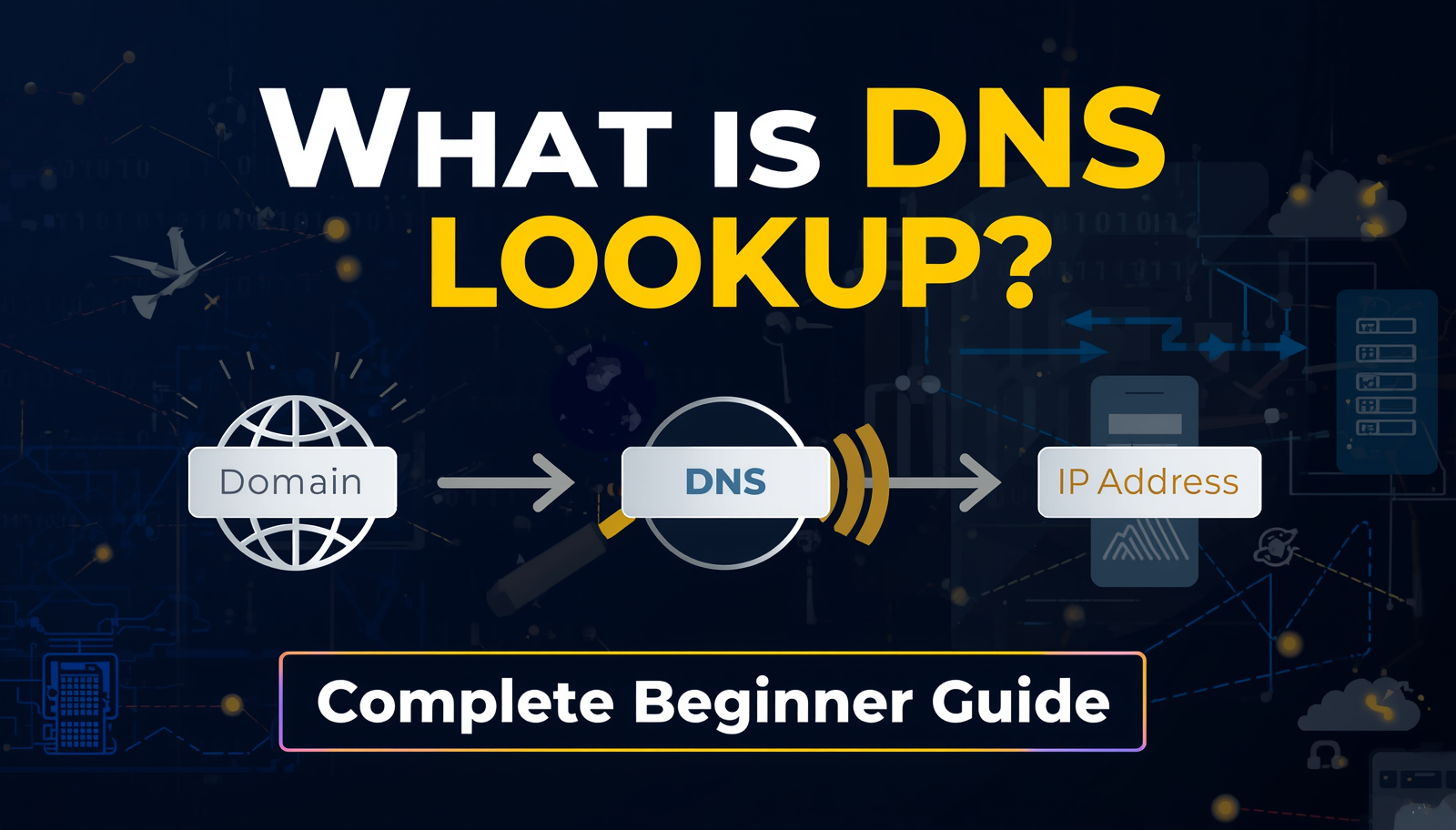
DNS stands for Domain Name System. Think of it like a giant phone book for the internet. Every website on the internet lives at a specific address called an IP address — a bunch of numbers like 142.250.80.46. But no one wants to memorize numbers like that, right?
That's where DNS comes in. Instead of typing a long number, you type a friendly name like google.com, and the DNS system quietly translates it into the correct IP address behind the scenes. Magic, right? Well, it's actually just very smart engineering.
A Real-Life Example:
Imagine you want to call your friend Ahmed. You don't memorize his phone number — you just search his name in your phone book and call. DNS does exactly the same thing for websites. You type the name → DNS finds the number → You reach the website.
🔍 What is DNS Lookup?
DNS Lookup is the process of querying the DNS system to find what records are associated with a domain name. When you do a DNS Lookup, you're basically asking the internet:
"Hey, what do you know about this domain? Where does it point? What email server does it use? What records are set up for it?"
The results give you detailed information like:
- The IP address the domain points to
- Mail server information (MX records)
- Name server details (NS records)
- Verification records (TXT records)
- Alias records (CNAME records)
- Start of Authority info (SOA records)
📋 Types of DNS Records Explained (Simply!)
When you do a DNS Lookup, you'll see different types of records. Here's what each one means in plain English:
1. A Record (Address Record)
This is the most common record. It maps your domain name to an IPv4 address. Example: alltoolpro.com → 104.21.43.55
2. AAAA Record
Same as A record, but for IPv6 addresses (the newer, longer version of internet addresses).
3. MX Record (Mail Exchanger)
Tells the internet which server handles emails for your domain. If you send an email to someone@alltoolpro.com, the MX record tells it where to deliver that email.
4. CNAME Record (Canonical Name)
An alias that points one domain name to another. Example: www.alltoolpro.com → alltoolpro.com. It's like a nickname for a domain.
5. NS Record (Name Server)
Tells the internet which servers control the DNS for your domain. These are usually provided by your hosting company or domain registrar.
6. TXT Record (Text Record)
Used to store text information, often for domain verification, SPF records (to prevent email spam), and Google site verification.
7. SOA Record (Start of Authority)
Contains administrative info about the domain — like who is responsible for it and when the DNS was last updated.
🤔 Why Does DNS Lookup Matter?
You might be thinking: "This sounds too technical. Why should I care?" Great question! Here's why DNS Lookup is actually very useful — even for non-technical people:
- ✅ Troubleshoot website issues — Is your website not loading? DNS Lookup can tell you if the domain is pointing to the right server.
- ✅ Verify email setup — Make sure your email (MX records) is configured correctly so emails don't get lost.
- ✅ Check domain ownership — Verify that a domain is properly set up and registered.
- ✅ Security checks — Identify if a domain is being used maliciously or has unusual records.
- ✅ SEO & marketing — Confirm that redirects and subdomains are correctly set up for your campaigns.
- ✅ Web development — Ensure DNS is propagated after changing hosting or nameservers.
🛠️ How to Use the DNS Lookup Tool on AllToolPro
You don't need to be a tech expert to do a DNS Lookup. AllToolPro offers a free, fast, and easy-to-use DNS Lookup Tool that gives you full DNS record information in seconds. Here's how to use it:
Step-by-Step Guide:
-
Go to the Tool
Visit https://alltoolpro.com/tool/dns-lookup in your browser. -
Enter the Domain Name
In the input box, type the domain you want to look up. For example, typegoogle.comoralltoolpro.com. You don't need to addhttps://— just the domain name is enough. -
Click "Lookup" or Press Enter
Hit the lookup button and the tool will instantly query the DNS servers and fetch all the records associated with the domain. -
Review the DNS Records
You'll see a detailed breakdown of all DNS records — A, AAAA, MX, CNAME, NS, TXT, and SOA — neatly displayed in an easy-to-read format. -
Use the Results
Now you can verify if everything is set up correctly, troubleshoot issues, or share the results with your developer or hosting provider.
That's it! No sign-up required, no downloads, no complicated steps. Just enter a domain and get instant DNS information. 🎉
💡 Pro Tips for Using DNS Lookup
- After moving your website — DNS changes can take 24–48 hours to fully propagate worldwide. Use DNS Lookup to check if the new records are live yet.
- To check email deliverability — Look at your MX records to make sure emails are routed correctly. Missing MX records = missed emails.
- For checking subdomains — You can also look up
mail.yourdomain.comorshop.yourdomain.comto verify those subdomains are correctly configured. - Security investigations — If a suspicious email claims to be from a company, do a DNS lookup on their domain to verify its legitimacy.
🔗 Related Tools You Should Also Check Out
If you found the DNS Lookup tool useful, you'll love these other free tools available on AllToolPro:
- 🌐 IP Lookup Tool — Find detailed location and ISP information for any IP address. Great for tracking where visitors are coming from or identifying suspicious activity.
- 🔏 SSL Checker Tool — Verify your website's SSL certificate is valid, properly installed, and not about to expire. A must-have for any website owner.
- ⚡ WHOIS Lookup Tool — Find out who owns a domain, when it was registered, and when it expires. Super useful for domain research and due diligence.
🔄 DNS Lookup vs WHOIS Lookup — What's the Difference?
A common question beginners ask is: "What's the difference between DNS Lookup and WHOIS?" Here's a quick comparison:
| Feature | DNS Lookup | WHOIS Lookup |
|---|---|---|
| What it shows | DNS records (A, MX, NS, etc.) | Domain ownership & registration info |
| Use case | Technical configuration check | Domain research, legal purposes |
| Who uses it | Developers, sysadmins, marketers | Domain buyers, researchers |
| Shows IP? | ✅ Yes | ❌ Not directly |
Both tools are available for free at AllToolPro.com!
❓ Frequently Asked Questions (FAQs)
Q1: Is DNS Lookup safe to use?
Absolutely! DNS Lookup only reads publicly available DNS records for a domain. It doesn't access private information, hack anything, or harm the website in any way. It's like reading a public directory — completely safe and legal.
Q2: Can I do a DNS Lookup for any domain?
Yes! You can look up DNS records for any registered domain in the world — whether it's your own website, a competitor's site, or any domain you're researching. DNS records are public information.
Q3: How long does DNS propagation take?
When you change DNS records (like pointing your domain to a new host), it can take anywhere from a few minutes to 48 hours for the changes to spread across all DNS servers worldwide. This is called DNS propagation. You can use the DNS Lookup tool periodically to check if your new records are live yet.
Q4: What does it mean if a DNS record is missing?
Missing DNS records can cause serious problems. For example, a missing A record means your website won't load. Missing MX records mean your emails won't work. If you find missing records, contact your hosting provider or domain registrar to fix them immediately.
Q5: Do I need technical knowledge to use a DNS Lookup tool?
Not at all! Tools like the free DNS Lookup Tool at AllToolPro are designed to be super simple — just enter a domain and get instant results. Even if you're a complete beginner, you can easily use it and understand the basic results.
🏁 Conclusion
DNS Lookup might sound like a complicated technical concept at first, but as you've now seen — it's actually a very powerful and easy-to-use tool, even for beginners. Whether you're a blogger, a business owner, a developer, or just someone curious about how the internet works — understanding DNS Lookup gives you a real advantage.
With the free DNS Lookup Tool on AllToolPro, you can:
- ✅ Instantly check any domain's DNS records
- ✅ Troubleshoot website and email issues
- ✅ Verify your domain configuration
- ✅ Stay one step ahead with technical insights
Don't just guess — look it up! The internet is more transparent than you think, and the right tools make all the difference.
🚀 Ready to Try It Right Now?
Use our free DNS Lookup tool — no signup, no downloads, instant results!
🔍 Try DNS Lookup Tool Now →