19
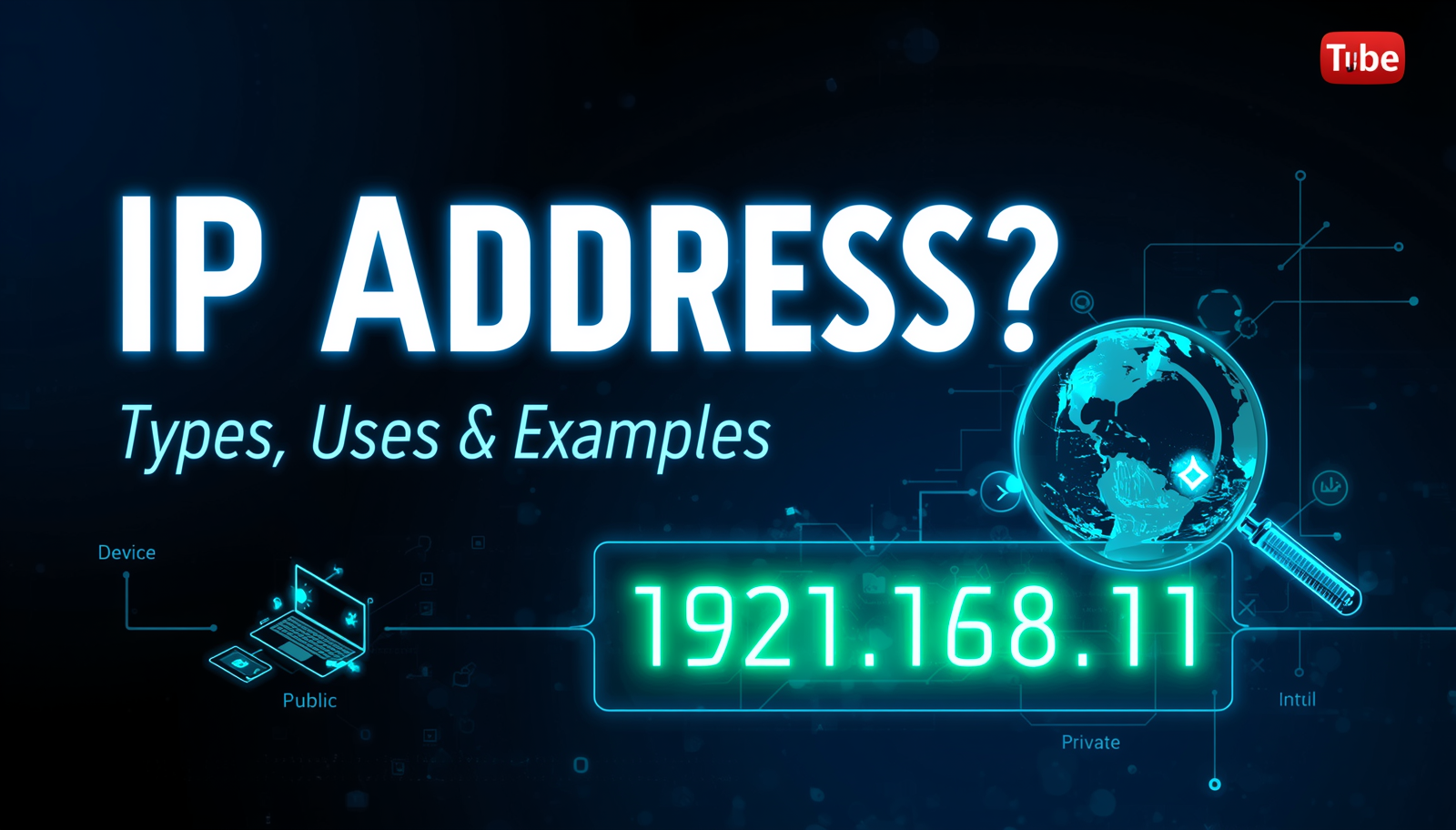
What is IP Address? Types, Uses & Examples
What is an IP address and why does it matter? This beginner guide explains IP address types (IPv4, IPv6), public vs private IPs, and how to look up any IP address online.
What is IP Address? Types, Uses & Examples
Every device connected to the internet has a unique address — just like your home has a postal address. This digital address is called an IP address. Without it, devices wouldn't know where to send data, and the internet as we know it simply wouldn't function.
In this guide, we'll break down everything you need to know about IP addresses — in plain, everyday English. No complicated jargon, just clear explanations with real examples.
📬 What is an IP Address?
IP stands for Internet Protocol. An IP address is a unique numerical label assigned to every device that connects to a network — whether that's the internet or a local home/office network. It serves two main purposes:
- Identification — It identifies a specific device on a network
- Location addressing — It tells other devices on the network where to send data
Real-Life Example:
Think of the internet as a giant postal system. Every website, every computer, every smartphone has its own "house address" — an IP address. When you request a webpage, your IP address is like your return address on a letter. The server knows where to send the response back to: your device.
🔢 What Does an IP Address Look Like?
IPv4 — The Most Common Format
IPv4 (version 4) addresses look like this: 192.168.1.1 — four numbers separated by dots, each between 0 and 255. Example: 142.250.80.46 (one of Google's IPs).
IPv6 — The Newer, Longer Format
Because the internet ran out of IPv4 addresses, IPv6 was created. It looks like: 2001:0db8:85a3:0000:0000:8a2e:0370:7334 — eight groups of four hexadecimal digits. IPv6 provides a virtually unlimited number of addresses.
🔍 Types of IP Addresses
1. Public IP Address
This is your address on the global internet. It's assigned by your ISP (Internet Service Provider) and is visible to websites you visit. Example: when you visit AllToolPro, the website sees your public IP address.
2. Private IP Address
Used inside your home or office network. Your router assigns private IPs to all devices in the house — your laptop, phone, smart TV, etc. Common private IP ranges:
192.168.0.0 – 192.168.255.25510.0.0.0 – 10.255.255.255172.16.0.0 – 172.31.255.255
3. Static IP Address
An IP address that never changes. Websites and servers usually have static IPs so they can be reliably found at the same address every time.
4. Dynamic IP Address
An IP address that changes periodically. Most home internet connections use dynamic IPs — your ISP assigns you a new one each time you reconnect. This is managed by DHCP (Dynamic Host Configuration Protocol).
5. Dedicated IP Address
A single IP assigned exclusively to one website/server — often used for SSL certificates, email servers, and hosting environments that require consistent identification.
6. Shared IP Address
Multiple websites sharing the same IP address — common in shared hosting environments to save costs.
🌍 How to Find Your IP Address & Look Up Any IP
The free IP Lookup Tool on AllToolPro instantly shows you detailed information about any IP address — or your own. Here's how to use it:
Step-by-Step Guide:
- Open the Tool
Visit https://alltoolpro.com/tool/ip-lookup - Your IP Auto-Detected
The tool automatically detects and displays your current public IP address as soon as you open it - Look Up Any IP
To look up a different IP, type it into the search field — example:8.8.8.8(Google DNS) - Click "Lookup"
Hit the button and get detailed results instantly - Review the Information
You'll see: Country, City, ISP, Organization, Timezone, and Latitude/Longitude of the IP address
🔐 Privacy & Security: What Can Someone Do With Your IP?
Your IP address reveals your approximate location (city level, not exact address), your ISP, and your connection type. Here's what someone CAN and CANNOT do:
- ✅ They can see your approximate city and country
- ✅ They can identify your internet service provider
- ✅ They can track patterns in your online activity (with other tools)
- ❌ They CANNOT see your exact home address
- ❌ They CANNOT directly hack you from your IP alone
- ❌ They CANNOT access your files or personal data
To protect your IP, consider using a VPN (Virtual Private Network).
🔗 Related Tools You Should Try
- 🔍 DNS Lookup Tool — Find DNS records connected to a domain/IP
- 📡 WHOIS Lookup Tool — Find domain ownership and registration details
- 🌐 Website Status Checker — Check if websites at specific IPs are online
❓ Frequently Asked Questions
Q1: Can two devices have the same IP address?
Not at the same time on the same network — it would cause a conflict and both devices would have connectivity problems. However, multiple devices can share one public IP (using NAT), and private IPs can be repeated across different home networks.
Q2: How do I hide my IP address?
The most common ways are: using a VPN (Virtual Private Network), using the Tor Browser, or using a proxy server. Each masks your real IP with a different one.
Q3: What's the difference between my IP address and my MAC address?
Your IP address is your network-level identifier (changes when you switch networks). Your MAC address is your device's permanent hardware identifier, assigned at manufacturing and never changes.
Q4: Why does my IP address show a different city?
IP geolocation is not 100% precise. ISPs often route traffic through central hubs, which can show your IP as being in a different city than where you actually are. It's usually accurate to the region or state level.
Q5: What is 127.0.0.1?
This is the loopback address — also called "localhost." It refers to your own machine. When you type 127.0.0.1 in a browser, it connects to a web server running on your own computer, not the internet.
🏁 Conclusion
IP addresses are the backbone of all internet communication. Whether you're a casual user curious about your own IP, a developer troubleshooting network issues, or a security professional identifying threats — understanding IP addresses gives you valuable insight into how the internet really works.
Use the free IP Lookup Tool on AllToolPro to instantly find and analyze any IP address worldwide.
🔍 Look Up Any IP Address — It's Free!
Instant location, ISP & organization data for any IP
🌍 Use IP Lookup Tool →