19
What is Latency? How Ping Affects Your Internet Speed
Latency and ping are often confused with internet speed. This beginner guide explains what latency really means, how it's measured, why it matters, and how to reduce it for faster performance.
What is Latency? How Ping Affects Your Internet Speed
Most people think about internet speed in terms of Mbps — megabits per second. But there's another equally important measurement that dramatically affects your online experience: latency. Especially when gaming, video calling, or using real-time applications, latency can be more impactful than your raw download speed.
This guide explains latency in clear, simple terms — what it is, how it relates to ping, why it matters, and how you can measure and reduce it.
⚡ What is Latency?
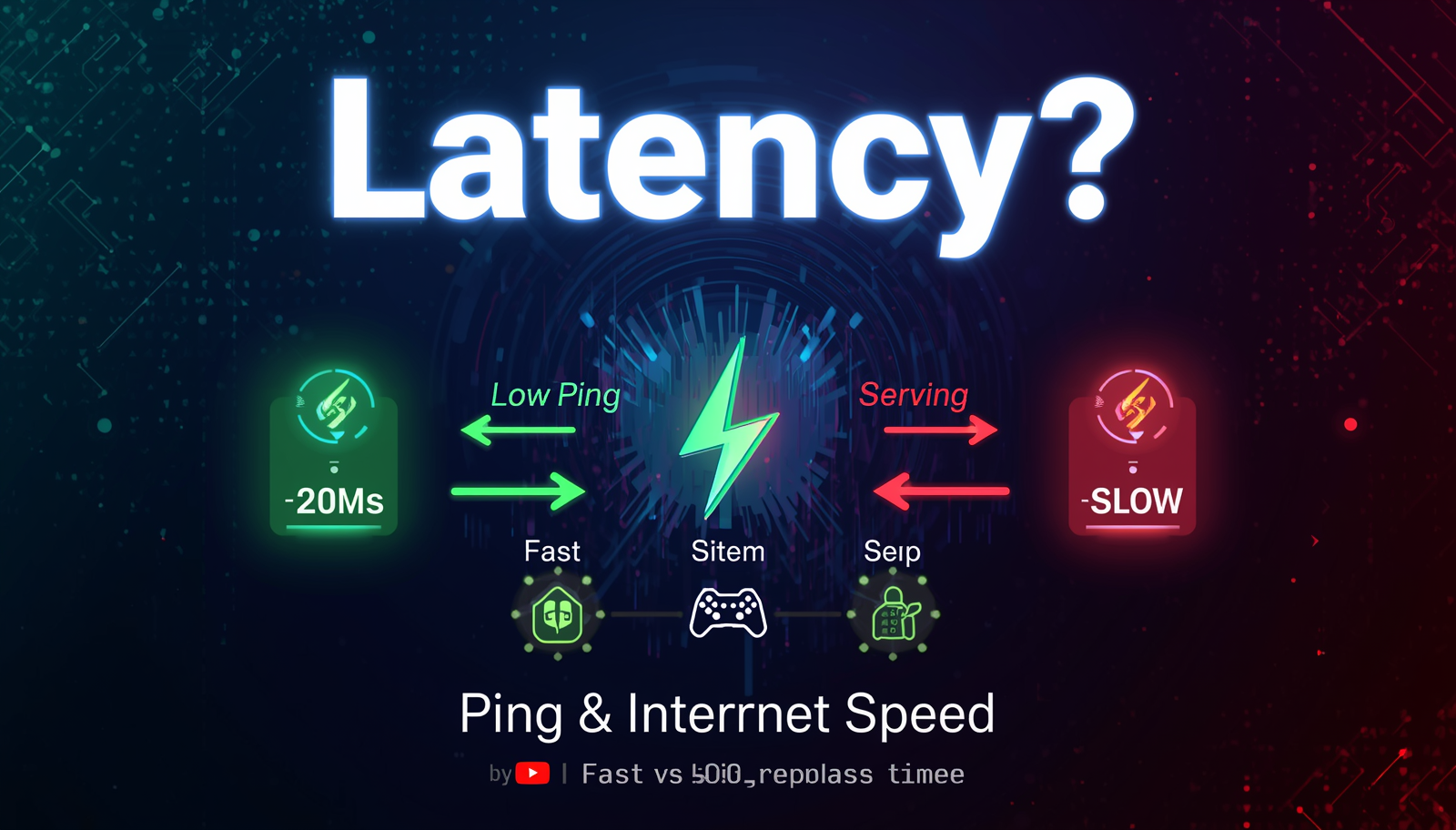
Latency is the time delay between when you send a request and when you receive a response. In networking, it's the time it takes for a data packet to travel from your device to a server and back — measured in milliseconds (ms).
- Low latency = fast response = smooth experience
- High latency = slow response = lag, delays, frustration
Real-Life Analogy:
Imagine you're asking a question in a conversation. Latency is how long it takes to get an answer. If you're face-to-face with someone, the response is instant (ultra-low latency). If you're sending a letter that takes 3 days to arrive and another 3 days for the response to come back, that's high latency — even if the letter contains lots of information (bandwidth).
🔢 Latency vs. Internet Speed — What's the Difference?
This is one of the most misunderstood concepts in networking:
| Metric | Measures | Unit | Affects |
|---|---|---|---|
| Bandwidth/Speed | How much data can transfer per second | Mbps / Gbps | Download/upload file sizes |
| Latency | How quickly data starts moving | Milliseconds (ms) | Responsiveness & real-time apps |
| Ping | The measured round-trip latency | Milliseconds (ms) | Gaming, VoIP, video calls |
Example: You could have 1000 Mbps fiber internet (very fast speed) but still have 150ms latency if you're connecting to a server far away. That speed won't help in a competitive game where every millisecond counts.
🔍 What Causes High Latency?
Multiple factors contribute to high latency:
- 📍 Physical Distance — Data travels at the speed of light through fiber cables, but the farther the server, the higher the delay
- 🔄 Number of Hops — Data passes through multiple routers between you and the destination. Each "hop" adds a tiny delay
- 📡 Connection Type — Satellite internet has notoriously high latency (600-800ms+) due to the signal traveling to space and back
- 🌐 Network Congestion — When lots of people use the same network simultaneously, packets queue up and wait
- 📶 WiFi vs Wired — WiFi adds latency compared to a direct Ethernet connection
- 💻 Hardware Limitations — Old routers, overloaded servers, or outdated network equipment slow things down
🎮 Why Latency Matters More Than Speed in Some Cases
Online Gaming:
In games, low latency is essential. A 100ms ping means your inputs (shooting, moving, jumping) take 0.1 seconds to register. In fast-paced games, that's an eternity. Professional gamers aim for under 20ms.
Video Calls (Zoom, Teams, etc.):
High latency causes the annoying "talking over each other" effect on video calls. When your voice takes 300ms to reach the other person and their response takes another 300ms — that's 0.6 seconds of delay that feels like a conversation with significant awkward pauses.
Live Streaming:
High latency between streamer and viewer means reactions to "live" events arrive late. Low-latency streaming platforms aim for under 10 seconds of delay (some achieve under 1 second).
Financial Trading:
Algorithmic trading firms spend millions to reduce latency to microseconds because even a 1ms delay can mean the difference between a profitable or losing trade.
🛠️ How to Test Your Latency Right Now
Use the free Ping Test Tool on AllToolPro to measure your latency to any server:
- Go to https://alltoolpro.com/tool/ping-test
- Enter a domain or IP (e.g., your game server's address,
8.8.8.8, or a website) - Click "Run Test"
- Review your average latency in milliseconds
- Compare to the ratings table to see if your connection is excellent, good, or needs improvement
🔧 How to Reduce Latency
- 🔌 Use a wired Ethernet connection instead of WiFi (saves 5-20ms typically)
- 📍 Connect to servers geographically closer to you
- ⬆️ Upgrade your router — old routers add processing delay
- 🌐 Use a gaming/low-latency VPN that optimizes routing (sometimes reduces hops)
- 🚫 Close background apps consuming bandwidth (Netflix, cloud backups, etc.)
- 📡 Move closer to your WiFi router or use a mesh network
- 🔄 Enable QoS (Quality of Service) on your router to prioritize gaming/video call traffic
- 💸 Consider upgrading to fiber optic internet for dramatically lower base latency
🔗 Related Tools
- 🌐 Website Status Checker — Check if high latency is actually downtime
- 📍 IP Lookup Tool — Verify server location (distance = latency)
- 🔍 DNS Lookup Tool — DNS lookup time contributes to overall page load latency
❓ Frequently Asked Questions
Q1: Is 50ms latency good for gaming?
50ms is considered "good" for casual gaming — you'll have a smooth, enjoyable experience in most games. For competitive/professional play, aim for under 20ms. Above 100ms, lag becomes clearly noticeable in fast-paced games.
Q2: Can I have fast internet but still have high latency?
Absolutely. Speed and latency are different measurements. You could have a 1Gbps connection (extremely fast) but 200ms latency if you're connecting to a server on the other side of the world. Think of speed as the width of a pipe and latency as how far the water has to travel.
Q3: Why does my latency spike randomly?
Random latency spikes are usually caused by: network congestion (peak hours), background processes consuming bandwidth, WiFi interference, or temporary server-side issues. These spikes are called "jitter" and can be just as disruptive as consistently high latency.
Q4: Does a VPN increase or decrease latency?
A VPN typically increases latency slightly because your traffic takes a detour through the VPN server. However, some gaming VPNs optimize routing and can actually reduce latency if your ISP has poor routing to game servers. Test with and without VPN to see the difference.
Q5: What latency is acceptable for video calls?
Under 150ms is considered "acceptable" for video calls with minimal interruption. Under 50ms is excellent and virtually undetectable. Above 300ms, conversations become noticeably awkward with delays between speaking and hearing responses.
🏁 Conclusion
Latency is just as important as internet speed — sometimes more so. Whether you're gaming, video calling, trading, or just browsing, understanding your latency gives you the information you need to optimize your connection and fix problems before they ruin your experience.
Measure your latency right now using the free Ping Test Tool at AllToolPro — it only takes a few seconds and gives you actionable data.
⚡ Test Your Latency Right Now — It's Free!
No downloads, no signup — just instant results
📡 Run Latency Test →